

For the past few weeks and probably months, I have sort of upgraded my internet connection from 30mbps to 100mbps. But I don’t stop at just that. I have already “upgraded” from using a single standard WiFi router provided by the ISP to a more powerful Mesh system with nodes placed around the house. If you have read my previous reviews, I have tested the new ASUS ZenWiFi AX Hybrid and the ASUS ZenWiFi AX Mini AIMesh system quite recently.
I love both systems equally and both of the ZenWiFi router/nodes are super fast and reliable that blankets my entire house with stable WiFi connection. But this time around, I have with me another WiFi router that started off as a normal yet powerful WiFi router, to an AIMesh enabled router that works with another same router or with some of the newer ZenWiFi routers to create its own satellite routers or nodes.
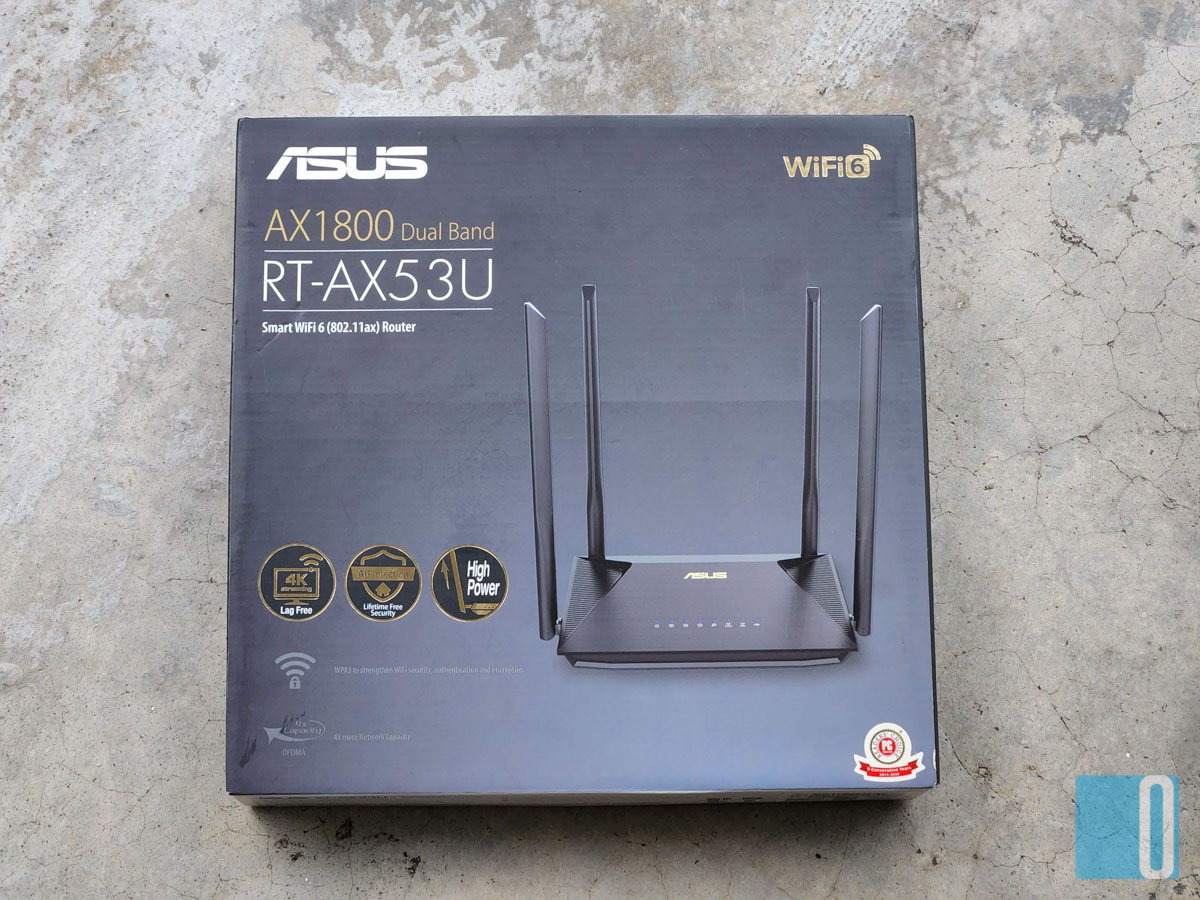

So the ASUS RT-AX53U Router started off as a normal router. What happened then? Well, I received an update link from ASUS Malaysia’s office site to upgrade the firmware of the ASUS RT-AX53U Router. Once the update is flashed onto the router, it will reboot into a whole new updated system which enables the router to connect to another router or with a ZenWiFi router for a full AIMesh system.
I have to say, this is simply awesome. ASUS RT-AX53U Router has a cheaper price per unit. You will be able to save more when you buy a single “normal” router like this but it now has the ability to turn itself into an AIMesh system to provide you with a speedier and stable home internet connection without any interruptions. So purchasing another unit of the same router is a cheaper option as opposed to fully upgrading your entire system.

Another big advantage from using the ASUS RT-AX53U Router is the speed and stability. It comes with a quad antenna feature for higher gain and “spread”. The wireless signal will be able to transmit further and evenly throughout your house. One single router is more than enough to cover a single storey house or apartment, but having two of them is better for a double storey house. And connecting the main router to another “node” is very easy and can be done from the ASUS Router app on your phone.
Since I’m staying in a double storey landed property, I do need the router to connect to a node so that I can extend the wireless transmission as far and wide as possible. I also have the ASUS ZenWiFi AX Mini with me so for this review, I connect the ASUS RT-AX53U Router to one of the AX Mini nodes to use the AIMesh feature.
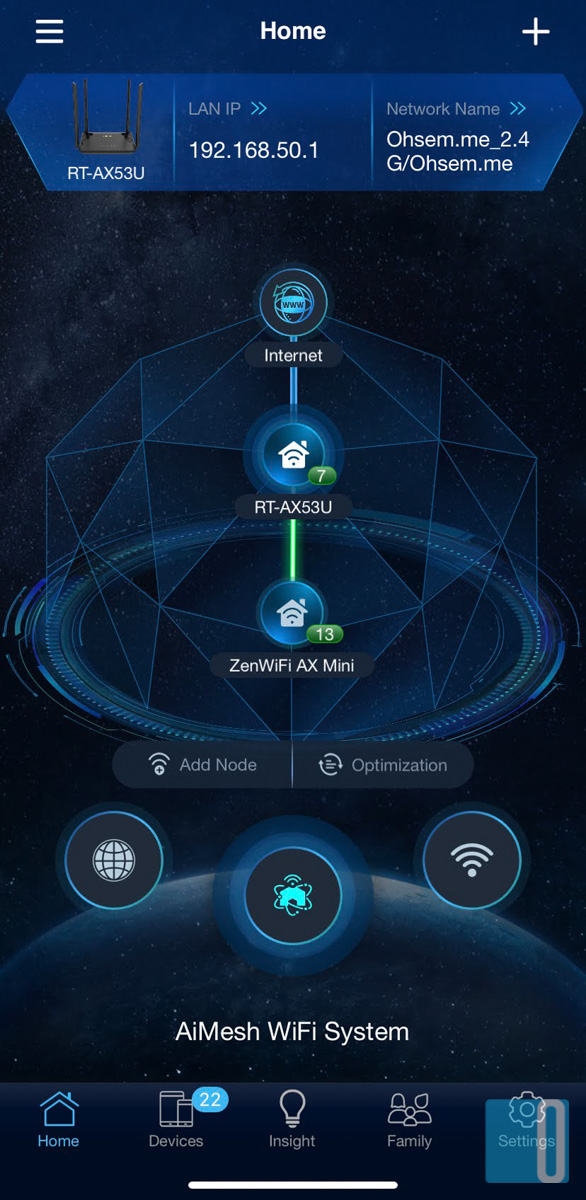

Setting it up is pretty straight forward. First, I updated the ASUS RT-AX53U Router’s firmware like I said earlier. And then I need to set it up to connect to my ISP. This process took me only 5 minutes as the interface and UX on the ASUS Router app is so easy to understand. Once I have connected to my internet connection, I can simply add a “node” from the app. I placed one of the ZenWiFi AX Mini near the ASUS RT-AX53U Router and hit the reset button. It will reset the node back to its factory default settings so that the ASUS RT-AX53U Router can detect the node easily.
Once it has detected and installed the AX Mini as one of its nodes, I can place the AX Mini anywhere else in the house to be the satellite router. So, from the single ASUS RT-AX53U Router that covers only the front part of my house at the beginning, is now able to cover the entire house plus part of my neighbours’ house with a strong WiFi signal.

Going into the speed test, I can immediately experience the difference. While having only one router before the firmware update, I barely covered ¾ of my two storey home. I did get 2-3 bar signals from the backroom but the speed was just okay. I got about 40 mbps for that and to me that is still usable. After the firmware update and connecting to a node, I got full bar connection everywhere I go and the speed is very pleasing to experience.
On the Speedtest.net website, it hits the max all the time at 100 mbps and sometimes I get 120 mbps when I’m lucky. I had a very low latency and ping, most of the time it was less than 8ms. I notice the page load response is a lot quicker, connection is more stable and playing online games is very smooth.
As usual, I would play my PUBG Mobile after hours before I head to bed. Having the ASUS RT-AX53U Router and its AIMesh system nodes, I never had to worry about my internet connection at home anymore. I do admit, I was having some bad internet connection while I was using the ISP issued router. I hated the connection back then as it was laggy and unstable. But ever since I tried using ASUS’s AIMesh system, I don’t think I will ever go back to using a normal router.
And since I love gaming, I stream more these days. And for streaming, I do need a (very) stable internet connection. I am very, extremely pleased with my current internet connection although I only subscribed to the 100 mbps package. But with a super reliable router, it feels like I’m using a 500 mbps connection. That is a huge difference to me.
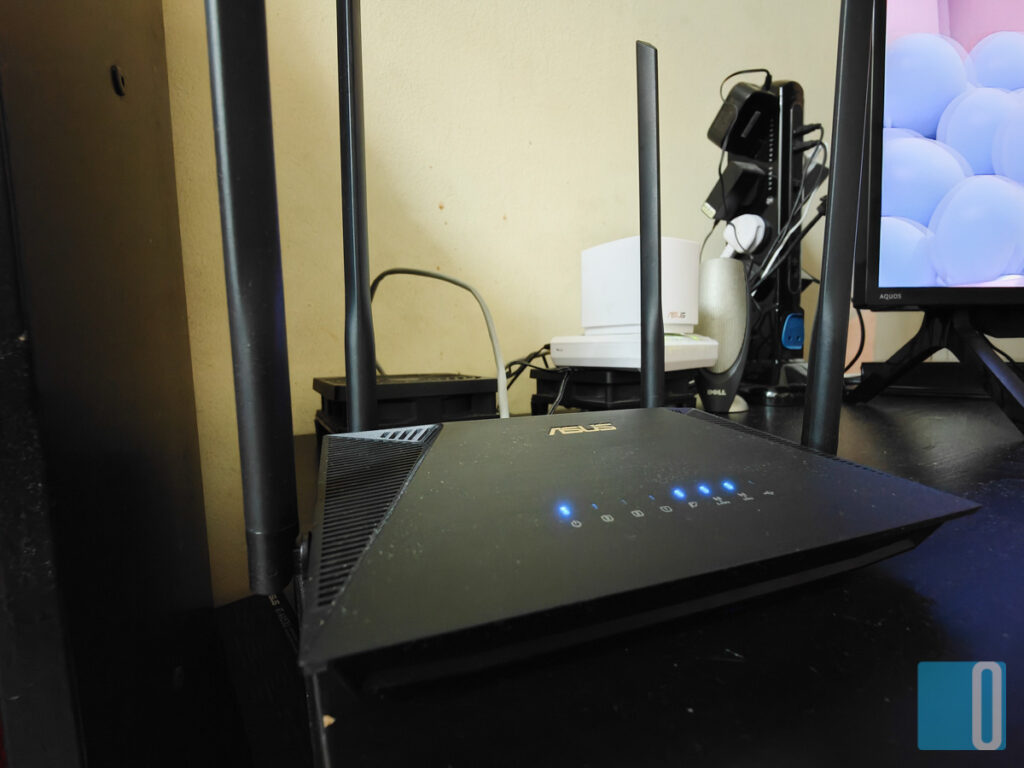
For comparison, I had to use a WiFi extender that connects to my old router located in the living room on the ground level on the front. My “home office” is located on the first floor at the back. The WiFi extender is connected to my PC via a LAN cable. Luckily, my WiFi extender has a pair of antennas to capture the WiFi signal better. But the overall speed seldom goes above 60 mbps and the ping is always above 20ms.
With the ASUS RT-AX53U Router and with the help of the AX Mini that works as a node, the difference is like night and day. Speed always hits the 100 mbps max but I have a feeling that if I subscribe to the 500 mbps package, it can max out at 500 as well. Best of all, the latency or network ping is always below 8ms. This is crucial when it comes to online gaming such as PUBG Mobile. Having a low latency will determine whether you win or lose.
Now, would I recommend the ASUS RT-AX53U Router to anyone? That would be a definite yes. It is a cheaper system to own. It is very affordable. You can get one first if you’re on a budget. When the time comes, get another one to act as the node to extend your wireless connectivity. Trust me, you will be very satisfied with your purchase. You can feel and experience a more stable internet connection wherever you are at home. You can continue your video binge instead of staring at the four falls while you’re in the bathroom. That would be fun too.
If you’re like me who have a home office that is far away from the main router, you do need a mesh system. Better yet, make it an AIMesh system. You can only get the best from ASUS and I am more than happy to recommend this affordable ASUS RT-AX53U Router to you. I have used a few, and I’m loving every single one of them.
Convinced yet? The ASUS RT-AX53U Router is now available for purchase at ASUS’s official Shopee and Lazada page and it is now retailing for only RM299.00
Thank me later.