

In today’s digital age, smartphones have become powerful tools for capturing breathtaking photographs. With the right knowledge and techniques, you can harness the full potential of your smartphone’s camera to take stunning shots that rival those of professional cameras. In this article, we will uncover the secrets of smartphone photography and provide you with valuable tips and tricks to elevate your photography skills and capture incredible moments.
Master the Basics
Understanding the fundamentals of photography is crucial, regardless of the device you’re using. Learn about composition, lighting, and framing techniques to create visually appealing images. Familiarize yourself with concepts such as the rule of thirds, leading lines, and the golden hour to enhance the quality of your smartphone photography.
Clean Your Lens
Before capturing any shot, make sure to clean your smartphone’s lens. It’s easy for dust, fingerprints, or smudges to accumulate on the lens, which can result in blurry or hazy photos. Use a microfiber cloth or a lens cleaning solution to wipe away any dirt, ensuring optimal clarity for your images.
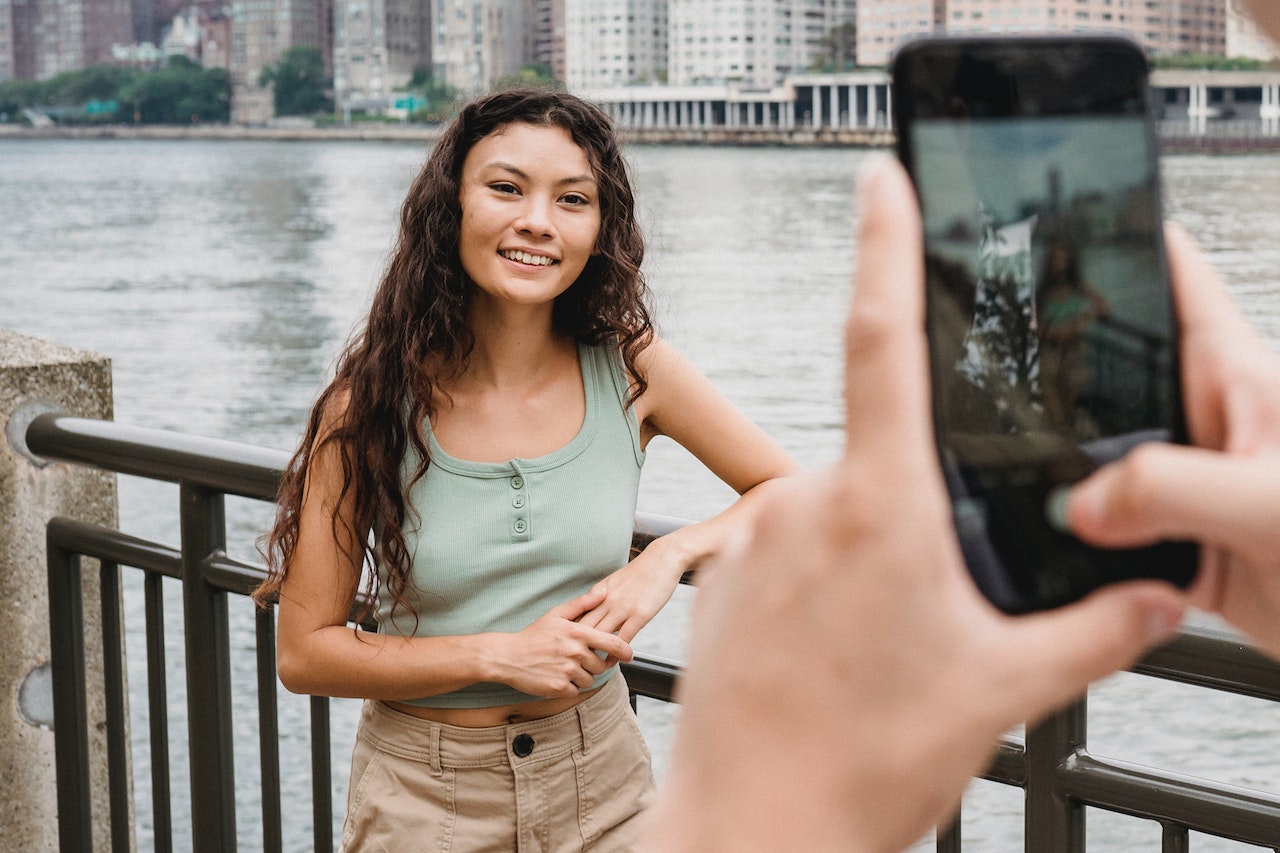
Use Natural Light
Lighting is one of the most critical factors in photography. Whenever possible, take advantage of natural light sources, such as sunlight or soft ambient light. Avoid using the phone’s built-in flash, as it can often create harsh and unflattering lighting. Experiment with different angles and positions to find the best lighting conditions for your desired shot.
Composition Techniques
Compose your photos thoughtfully to create visually appealing images. Utilize the rule of thirds by aligning your subjects along the imaginary gridlines. Look for leading lines that draw the viewer’s attention into the image. Experiment with different perspectives, angles, and framing techniques to add depth and interest to your photographs.

Experiment with Settings
Explore the various settings and features of your smartphone’s camera app. Most modern smartphones offer options like HDR (High Dynamic Range), portrait mode, and manual controls. Experiment with these settings to capture different moods and styles in your photographs. Manual controls allow you to adjust settings such as ISO, shutter speed, and white balance, giving you more control over the final result.
Use Gridlines and Level Tools
Enable gridlines in your camera app to assist with composition. Gridlines help you align your subjects along the rule of thirds and create a more balanced composition. Some camera apps also provide a built-in level tool, which helps you keep your horizons straight and avoid tilted or skewed images.
Editing Apps and Filters
After capturing your photos, enhance them further using editing apps and filters. There are numerous smartphone apps available that offer powerful editing tools, allowing you to adjust exposure, contrast, saturation, and more. Experiment with different filters to add unique styles or moods to your images, but use them sparingly to maintain a natural and authentic look.
Experiment with Depth of Field
Many smartphones now feature portrait mode or depth-of-field effects, which create a shallow depth of field and blur the background, simulating the bokeh effect of professional cameras. Explore this feature to add a beautiful and artistic blur to your subject’s surroundings, making them stand out prominently.
Keep Your Phone Steady
Stability is key to capturing sharp and clear images. Use both hands to hold your smartphone steady, or consider using a tripod or smartphone stabilizer for more professional results. Additionally, use the phone’s self-timer or a remote shutter release to eliminate any motion blur caused by pressing the capture button.

Explore Third-Party Camera Apps
While the default camera app on your smartphone is capable of capturing great photos, consider exploring third-party camera apps that offer additional features and advanced controls. These apps often provide manual controls, RAW capture, and other professional-grade features that allow you to unleash the full potential of your smartphone’s camera.
Find Unique Perspectives and Subjects
Challenge yourself to discover unique perspectives and subjects to photograph. Explore your surroundings and look for interesting angles, textures, or patterns that can add a touch of creativity to your images. Experiment with different genres of photography, such as macro photography to capture small details or street photography to document everyday life.
Capture Candid Moments
One of the advantages of smartphone photography is its ability to capture candid moments spontaneously. Keep your phone handy and be ready to snap pictures of candid expressions, joyful interactions, or fleeting moments.
Taking candid shots can capture authentic emotions and produce more captivating and unforgettable photos, particularly during gatherings that hold significant memories like your child’s birthday party with exciting activities such as water slide rentals Orlando, or your friend’s wedding with lovely roses and enchanting lighting. Additionally, smartphone photography allows you to take pictures at any location or moment, even in dimly lit situations by utilizing various apps and tools.

Utilize Burst Mode and Live Photos
Take advantage of your smartphone’s burst mode and live photo features to capture fast-moving subjects or create dynamic images. Burst mode allows you to capture a series of shots in rapid succession, increasing your chances of capturing the perfect moment. Live photos capture a short video clip before and after you press the shutter button, giving you the flexibility to select the best frame or even create mini animations.
Incorporate Reflections
Reflections can add depth and visual interest to your photographs. Look for reflective surfaces like water bodies, mirrors, or glass windows to capture captivating reflections of landscapes, buildings, or people. Experiment with different angles and compositions to create compelling images with a reflective element.
Tell a Story
Move beyond individual shots and aim to tell a story through your photography. Capture a series of images that depict a narrative or convey an emotion. This could be the progression of an event, the journey of a couple, or the excitement of a celebration. By creating a visual narrative, you can engage viewers and evoke a sense of connection with your photographs.
Practice and Experiment
The key to improving your smartphone photography skills is practice and experimentation. Take every opportunity to capture images, whether it’s during your daily routine, while traveling, or attending events. Challenge yourself to try different techniques, explore new settings, and push the boundaries of your creativity. The more you practice, the better you’ll become at capturing stunning shots with your smartphone.

Share and Seek Feedback
Share your smartphone photographs on social media platforms or photography communities to showcase your work and receive feedback from fellow enthusiasts. Engage with other photographers, join online challenges or competitions, and participate in constructive discussions. Embrace feedback as an opportunity to learn and grow as a photographer.
Print and Display Your Work
Don’t let your smartphone photographs remain confined to the digital realm. Print your favorite images and display them in your home, office, or even in galleries or local exhibitions. Seeing your work in physical form can provide a sense of accomplishment and encourage you to continue capturing and refining your smartphone photography skills.
Smartphone photography has revolutionized the way we capture and document the world around us. By implementing these tips and tricks, you can elevate your smartphone photography skills and produce stunning images that showcase your creativity and vision. Remember, the most important aspect of photography is to have fun and enjoy the process of capturing beautiful moments. So grab your smartphone, explore your surroundings, and unleash your creative potential through the art of smartphone photography.