
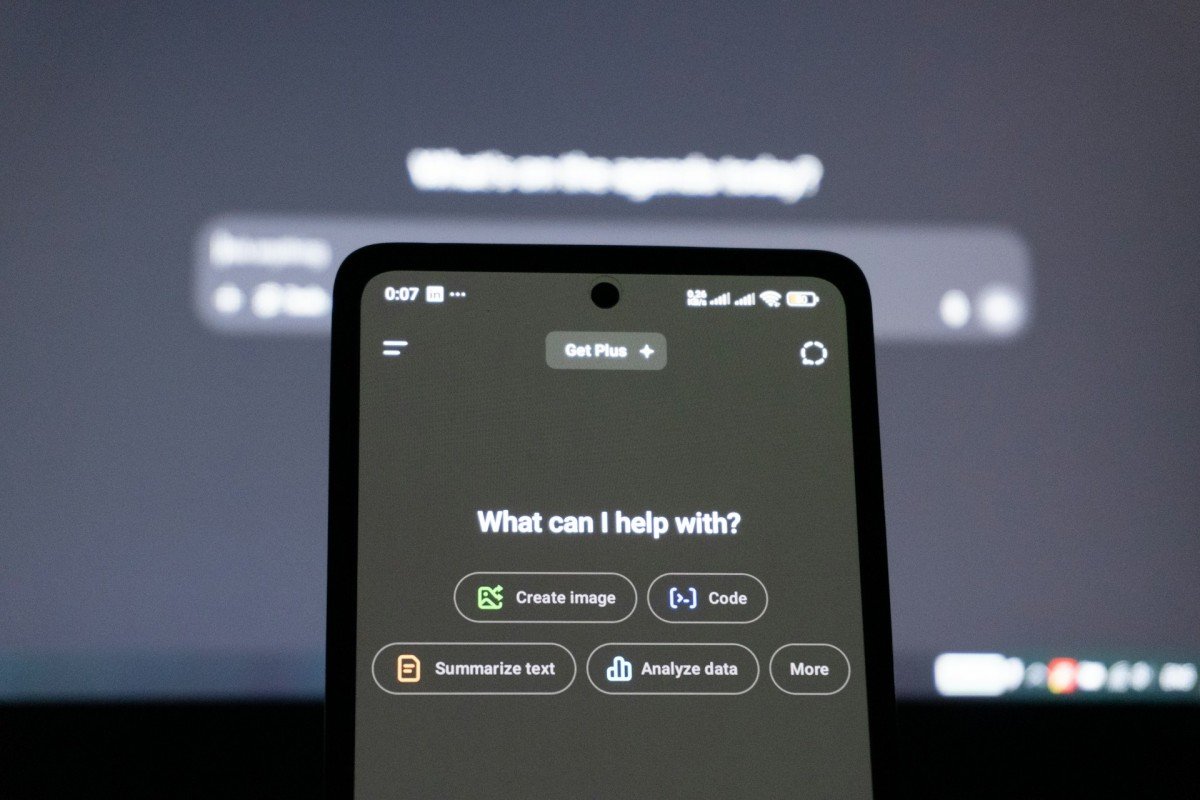
Imagine two people using the same AI tool, but acting differently. One writes: "Write something about healthy eating. The others are: "Write a 300-word beginner's guide to healthy eating for busy office workers, in a warm tone, with three meal ideas that take under 15 minutes.
Same tool, same time, and different results! The first person receives a straight out of a textbook paragraph. The second receives something that they can make use of immediately.
It's not by chance or some secret setting. It's the prompt.

What a Prompt Really Is
A prompt is just the directive you provide an AI tool. To call it a mere question does not do it justice. It's more like a short paper you would be handing to a new employee. When you ask a colleague, "Make me a presentation," he'll ask you a dozen questions. Tell them who it is for, how long it should be, and what it's supposed to do and they get to work!
At least not with the reliability of AI tools (YET). They make guesses to fill in the spaces and the guesses are quite general. It's the time to turn guesswork into guidance with your prompt.
Why Vague Prompts Lead to Vague Answers
The idea behind AI models is to anticipate valuable and probable answers based on the information you provide. The most "likely" answer when your input is broad is the most average. Hence, there is often a flat, repetitious, or corporate quality to AI-generated content.
Typically the process isn't broken. It simply wasn't provided enough to work with.
Consider the implications of this with simple and practical tools. One such example is a BMI calculation tool. It would only provide you with a helpful number if you input the correct height and weight. If you make a guess, or leave a field blank, it doesn't mean anything. AI is similar. Quality of the output is closely related to quality of the input.
The Ingredients of a Strong Prompt
There are no formulas to learn by heart, but there are a few elements which always make a difference.
Context. Introduce yourself to the AI and explain what you want to do. The answer becomes much better if it is written from the perspective of "I'm a first-time manager, and I'm trying to get ready for a difficult feedback discussion.
A clear task. Be very specific: a summary, a list, a rewrite, a comparison, a plan. Verbs matter here.
Audience. Who is this for? It's not the same to explain something to a ten year old than to a specialist.
Format and length. Want bullet points? A table? Two paragraphs? Say so. It saves a lot of give and take.
Tone. Friendly, formal, playful, direct. The default, which is usually stiff, will be given if you don't designate otherwise.
It's not necessary that all ingredients be added each time. Simply adding 2 or 3 will make a difference to what you will receive.
Be Specific, Especially When Searching

When it comes to search or discovery tools that are powered by AI, specificity is even more crucial. Imagine you're trying to recall a scene from a film: Someone running through a rain-licked market; a man wearing a yellow coat; a dramatic exchange of hands. You won't get very far typing "that movie with the rain. An Online Scene Finder has something to compare the setting, mood, and what you recall about the scene with.
This is true in any place. It is the details that make a shot in the dark a targeted search.
Treat It Like a Conversation, Not a Vending Machine
One thing that sets expert users apart from everyday users is that they do not demand perfection on the first try.
The first prompt is a place to begin. If the answer is close, but not exactly correct, describe the changes the AI should make.
"Shorten it and make it informal.
"Maintain the second concept and substitute the first with a more functional concept.
"That is too technical, explain it as if I never heard of this.
The true value is seen in this back and forth. Every adjustment tells the tool what you want and the end result is not a template but your result.
Give It a Role or an Example
There are two more hacks to try.
First do an assignment. Phrases like "Act as an experienced travel planner" or "Respond as a patient math tutor" prompt the AI to take a specific point of view and tone. It is a small addition that can help to make the answer more precise.
Secondly, demonstrate an example. If you have a text style through which you like, you can simply copy it and paste it into the field, then request a matching style from the AI. Examples demonstrate in seconds what would take paragraphs to write.
Save What Works
If you write a prompt that works well, don't put it in the chat history. Store where you will be able to find it again. A lot of people have a personal list of great prompts to use for their email, summary, brainstorming or study notes. For instance, if you don't want to build a structure from scratch, you can search through an AI prompts library, which provides pre-made structures that you can then personalize.
As time goes on, you'll see yourself developing a pattern of what works for you, and creating good prompts will become automatic.
A Few Mistakes to Avoid
Overloading a request. Ask for 10 things, and you will probably get 5 of them. Divide large jobs into small tasks.
Failure to verify the output. AI can be assertive and incorrect. Always check facts/figures/important things.
Never giving feedback. Taking the first answer each time you give it is not utilizing most of the tool's usefulness.
Overcomplicating things. Clear beats clever. It's a rule of thumb that a simple, clear request is virtually always more effective than a long, complicated one.
The Takeaway
AI tools are as useful as the instructions they receive. A question you can think of will save you time, reduce frustration and create content that sounds like it is for you, not for everyone.
So next time you open an AI tool, pause for ten seconds before typing. Ask yourself: What do I actually want? Who is it for? What should it look like when it's done? Put those answers into your prompt, refine as you go, and save the ones that work.
You'll be surprised how much better the same tool can feel once you learn how to talk to it.

Leave a comment